
How to Insert Current Date and Time in Google Sheets (Easy)
As usual, Google sheets provides a wide range of actions and benefits, which includes inserting the current date and time in your worksheet. Instead…

As usual, Google sheets provides a wide range of actions and benefits, which includes inserting the current date and time in your worksheet. Instead…

In Google Sheets, you can remove any letter based on its position in the text string. This is most important for creating abbreviations and…

The randomize feature helps to sort out and shuffle texts and contents dynamically in a worksheet. In Google sheets, we can randomly sort and…
Have you ever had a large dataset with mixed up letter cases that seems disorganized and unappealing? Anyone working with data on any spreadsheet…

When the Checkbox feature was added to Google sheets in 2018, it was mainly used to tick out information from to-do lists, schedules and…
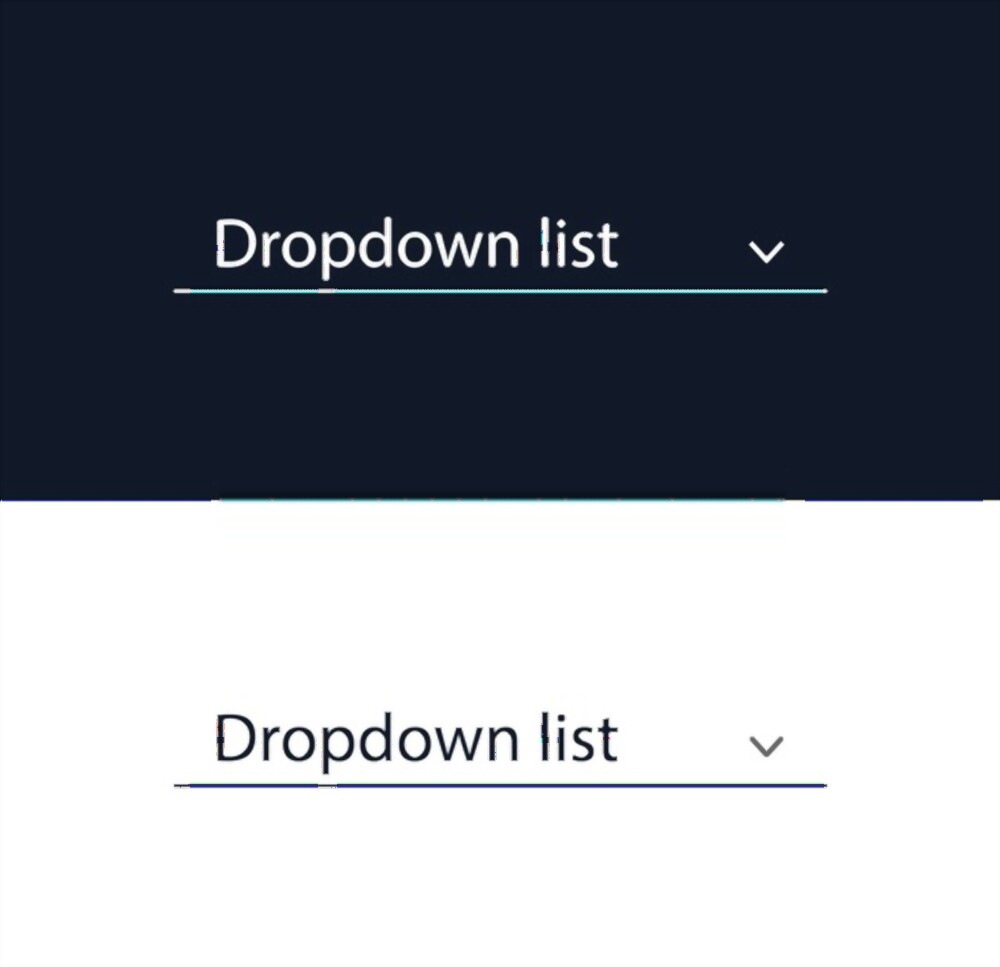
Drop-down lists are features used to provide a specific range of options to a user. It aids an accurate track of data and reduces…

Do you ever get worried about the chart inserted on your worksheet when you need to add an extra cell or column to your…

The Conditional formatting tool is an inbuilt feature in Google Sheets that selects and highlights important aspects of your worksheet based on a set…

When multiple texts or lengthy sentences are inputted in a cell or an entire column, these texts are seen to an extent, the remaining…

Although the strikethrough format is mostly utilized in document apps like Google Docs and Microsoft Word, it can be used in Google sheets to…

In the English language, capitalizations and test cases are used to determine the part of speech a word belongs to. For example, proper and…
When inputting or typing long sentences into your worksheet, you tend to lose sight of what you are typing because the sentence can keep…